How to Create Your First Form
1. Sign Up and Access the Dashboard
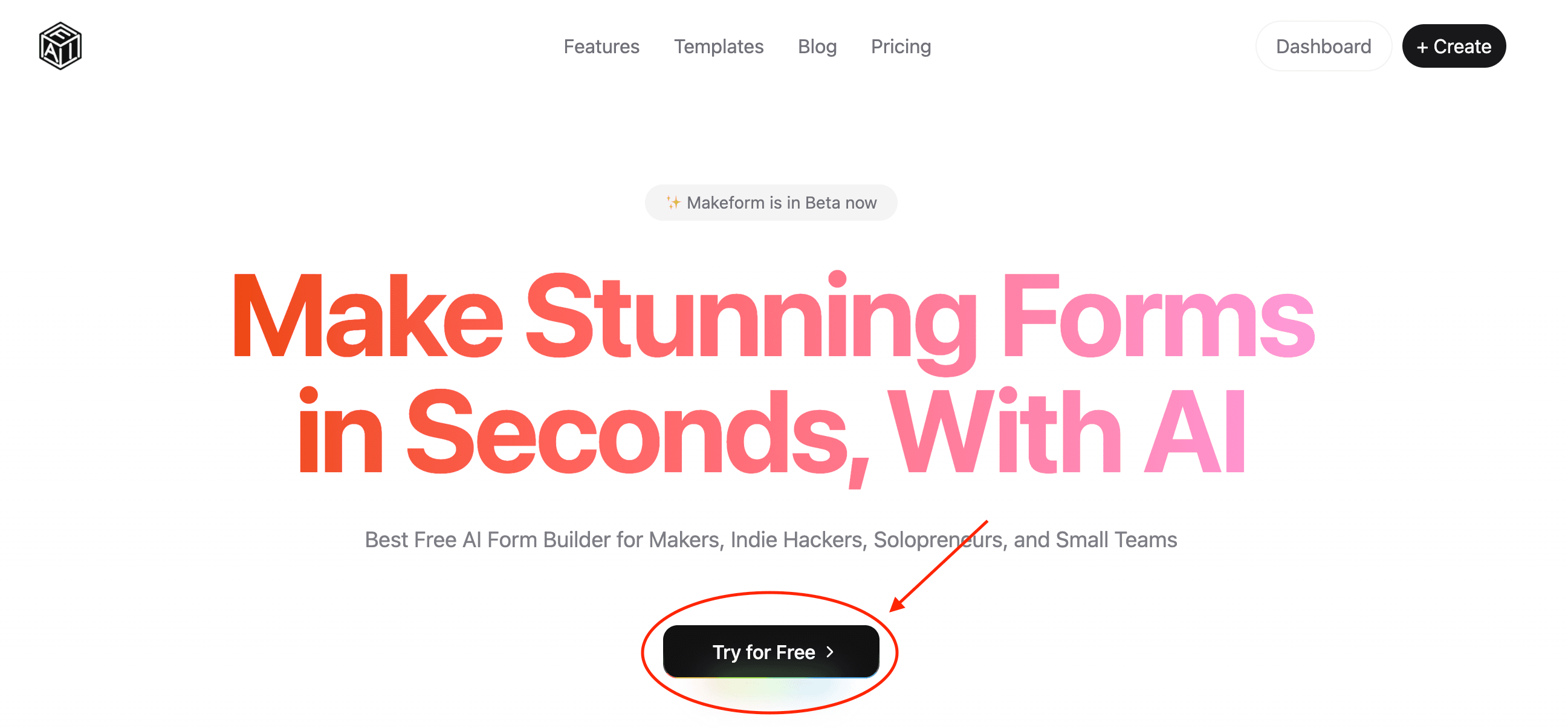
- Sign Up: Click on the Try for Free button on the homepage to enter the Dashboard directly.
- Access Dashboard: Once logged in, you’ll be directed to your personal dashboard where you can manage all your forms.
2. Create a New Form
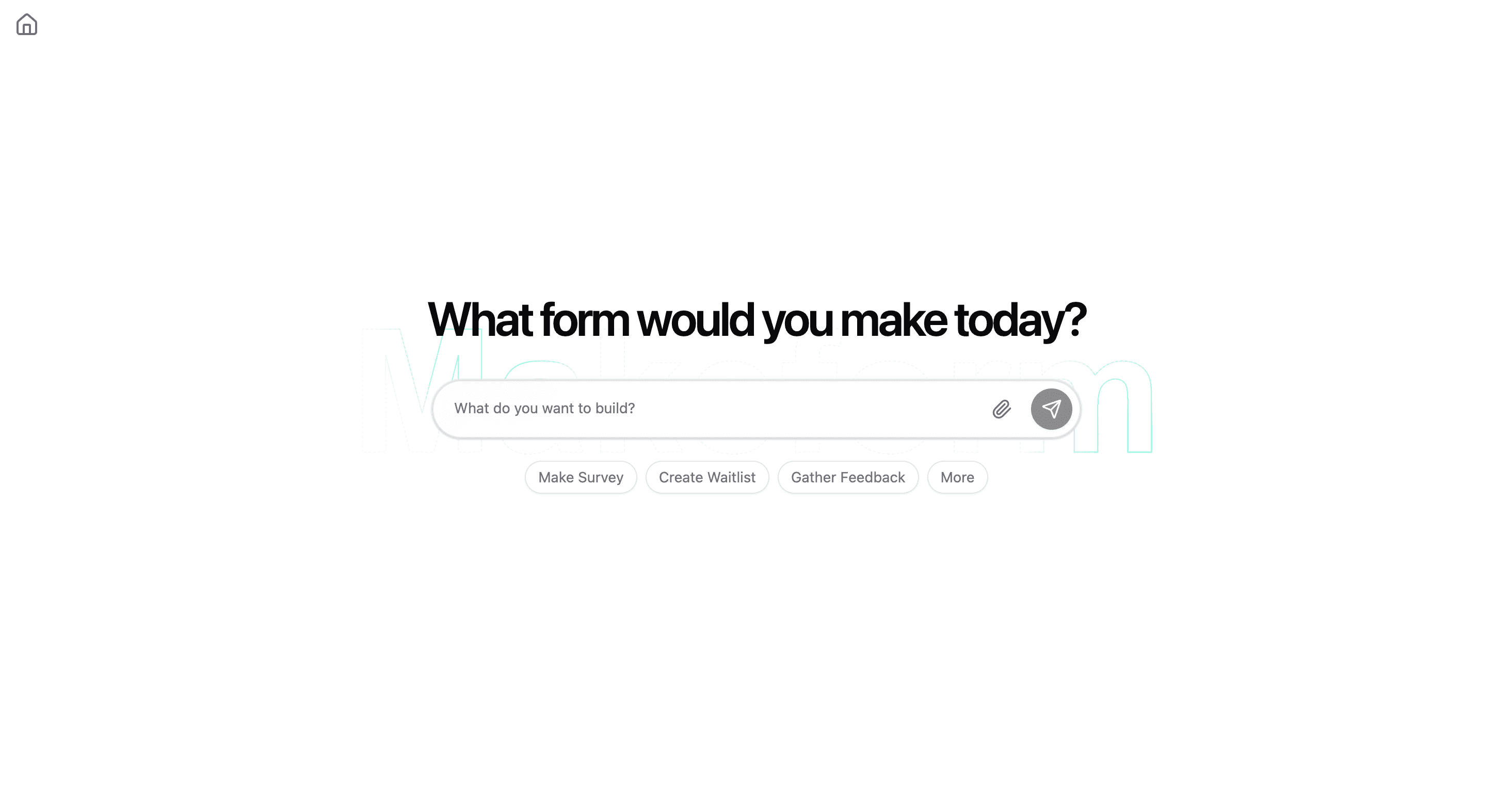
- Start a Conversation: Click on the New Form button to initiate a chat with our AI assistant.
- Define Form Purpose: In the chat interface, describe the type of form you need to the AI chatbot (e.g., “I need a customer feedback survey”).
- AI Generation: The AI will instantly generate a form based on your description, including appropriate fields and questions.